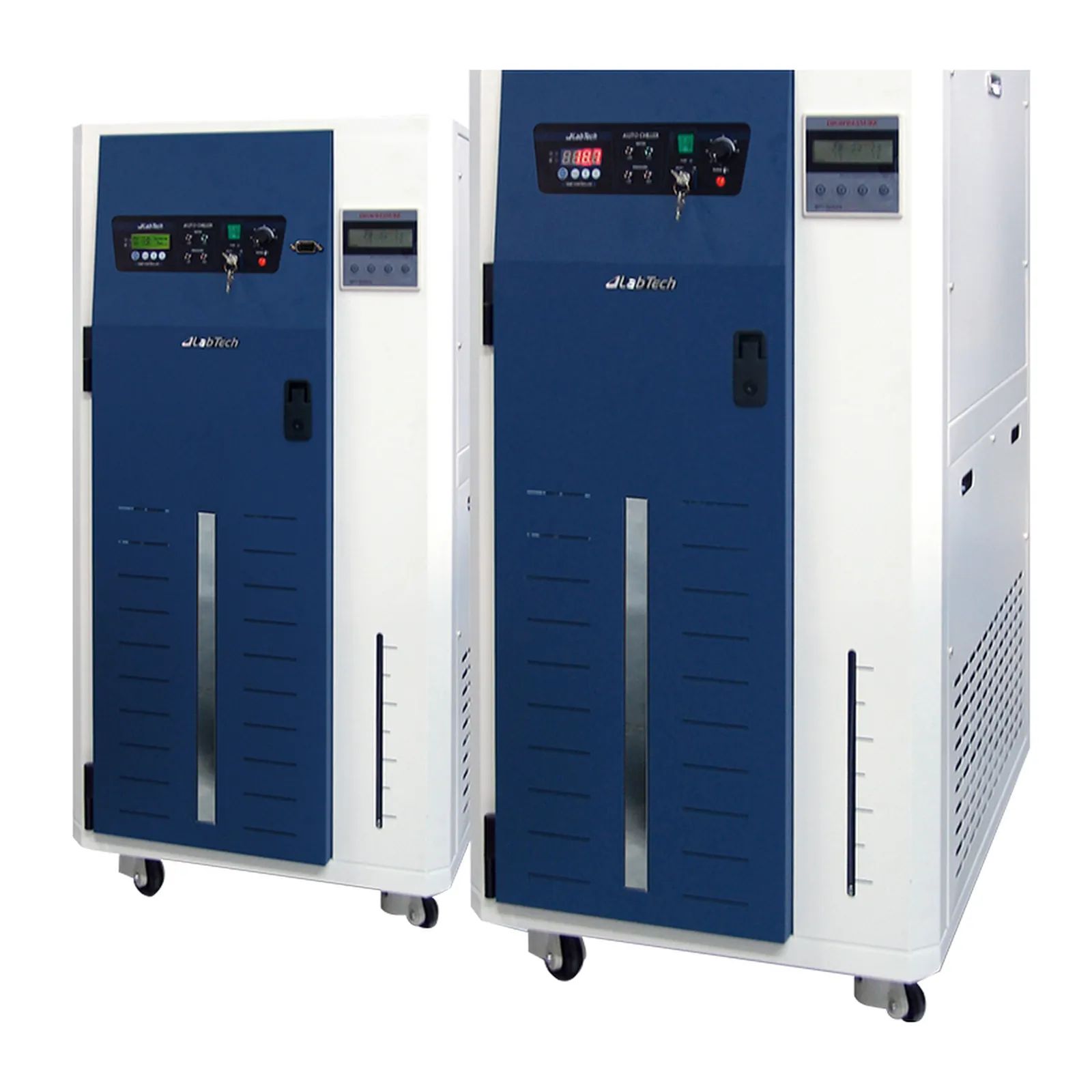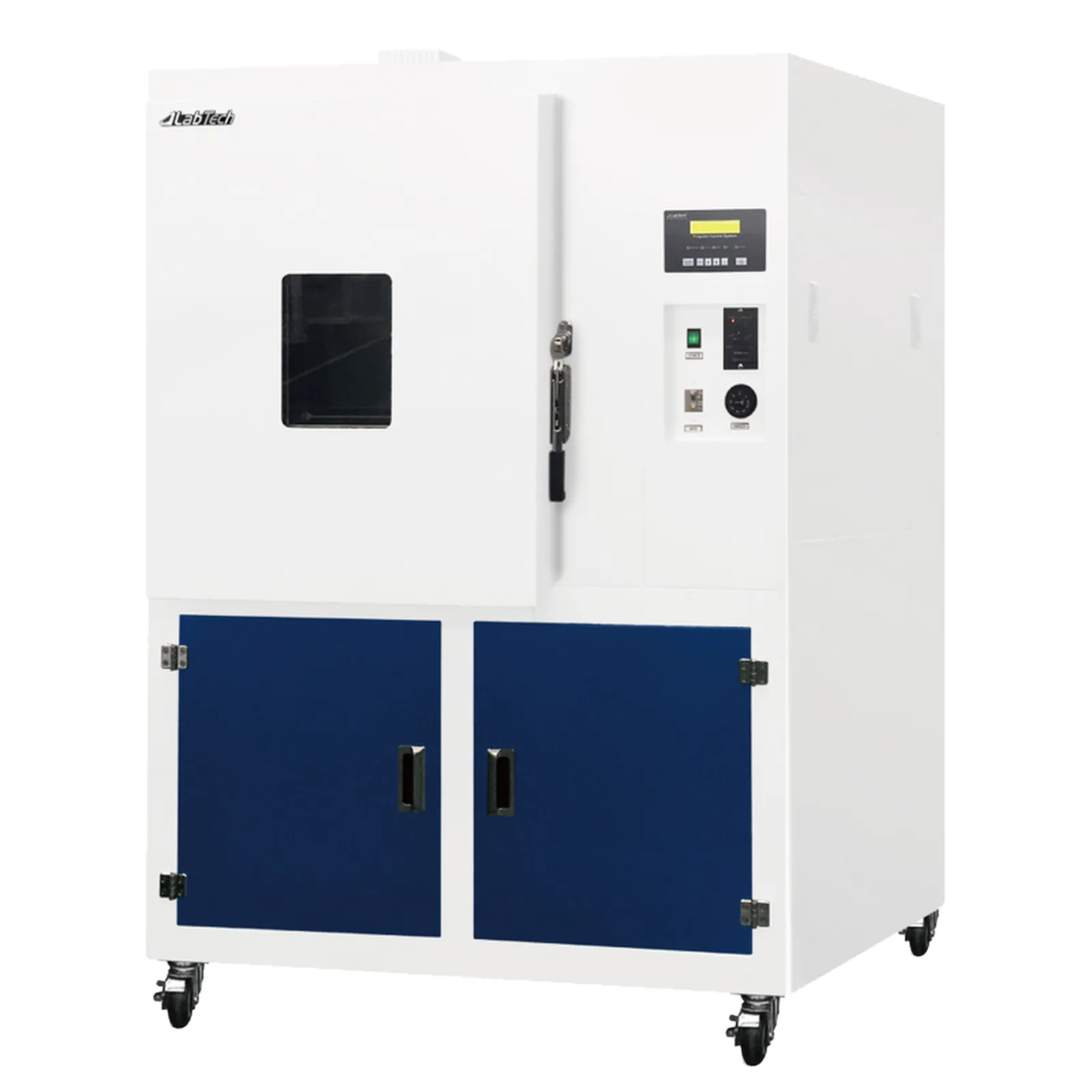
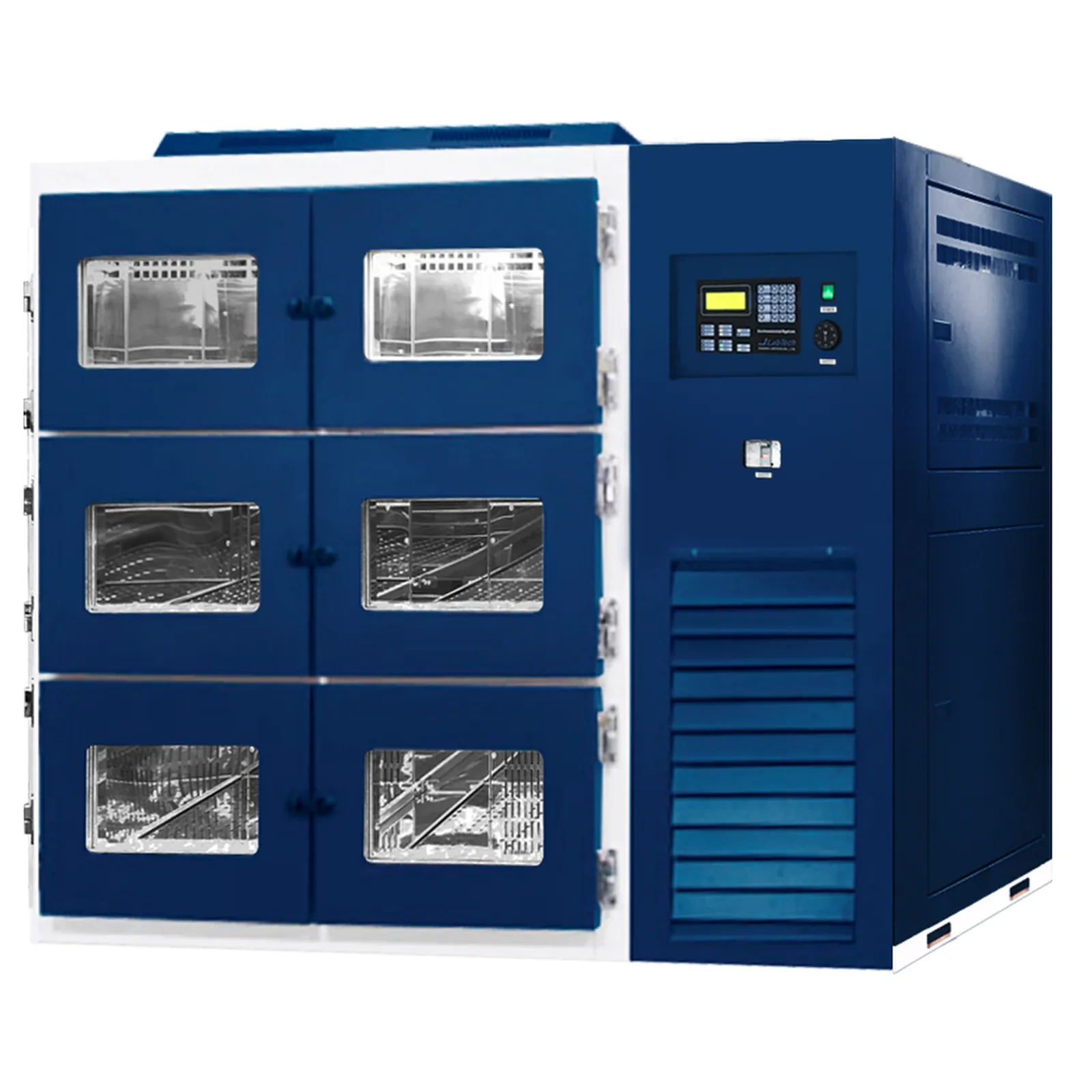
Display Test Chamber — main photograph
LabTechAvailability: Supplied to order

Display Test Chamber

Reference 2571540

Environmental test chamber by LabTech

Request a service for this equipment

Nothing is charged online. Every request is reviewed by an AxiTech engineer before you receive a quotation.

At a glance

Reference
2571540
Category
Environmental & Stability Chambers
Product range
Environmental Chambers

Overview

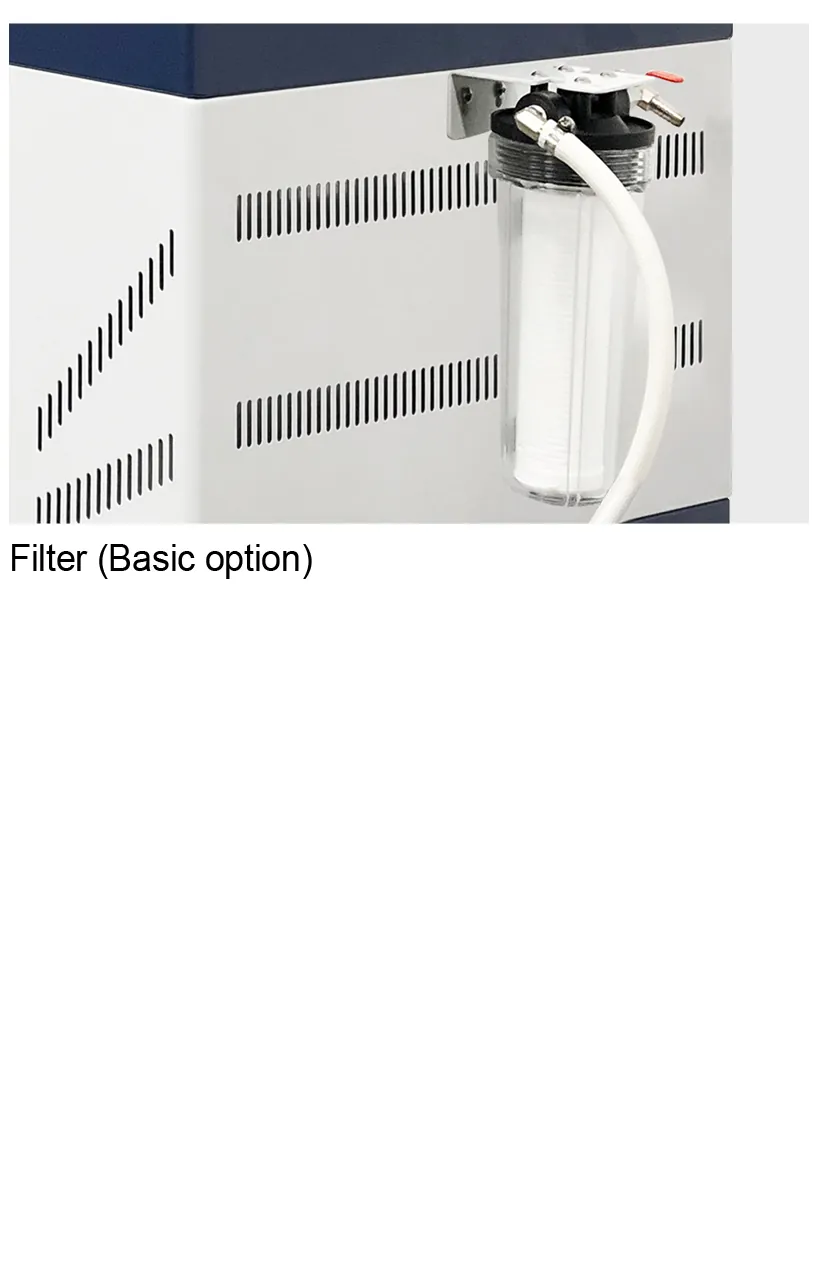
Stainless steel chamber for excellent corrosion resistanceand easy cleaning Forced air circulation by silent and durable fan motors maintains uniform temperature and humidity Tempered safety inner glass door is installed for easy viewing inside Automatic water supply system with a built-in reservoir with water filter Wire coating shelves are included as standard PID Microprocessor PID digital controller provides precise control Self-diagnostic and alarm system automatically check malfunction or errors with visual & audible alarm system Temperature auto-tuning function available 99 59 ( )Timer 99hr. 59min. available (Timer end alarm available) Door open alarm Low water in humidifying reservoir alarm / High/Low temperature alarm , Setting value is preserved even when the power supply is cutSafety : Broken temp. sensor error, over temperature protection, electric leakage circuit breaker

Service coverage

AxiTech maintains, repairs and supplies this equipment for hospitals, clinics, laboratories and imaging centres.

Maintenance contracts for LabTech Display Test Chamber

A service visit on the LabTech Display Test Chamber covers temperature calibration and a uniformity check across the chamber, the door seals, fans and heating elements, the over-temperature protection and alarms, and — on CO₂ or humidity-controlled models — the gas and humidity sensors.

Every visit includes calibration and performance verification, and closes with a documented maintenance report you can present during an accreditation audit. Spare-parts availability and a guaranteed response time are written into the contract, so a breakdown never leaves a department waiting for an answer.

Incubators, ovens and climate chambers like the LabTech Display Test Chamber are normally calibrated once a year; chambers used for stability studies or GMP work are temperature-mapped at the interval their qualification sets.

  • Temperature calibration and uniformity check across the chamber
  • Door seals, fans and heating elements inspected
  • Over-temperature protection and alarms tested
  • CO₂, O₂ or humidity sensors calibrated where fitted

Discover our maintenance contracts

Planned preventive maintenance and calibration under contract

Troubleshooting and repair for LabTech Display Test Chamber

When LabTech Display Test Chamber fails, our engineers start with a structured diagnostic: error codes, electrical and mechanical checks, and a functional test against the equipment’s own specification. That tells us whether the fault is a consumable, a worn part or a board-level failure before any part is ordered.

Straightforward faults are repaired on site so the department loses as little time as possible. Anything that needs a workbench, a full strip-down or a specialised spare part goes to our workshop and comes back only after a complete post-repair test and, where the equipment requires it, recalibration.

Faults we see most often on this type of equipment

On incubators, ovens and chambers the common faults are worn door seals, failed fans or heating elements, temperature sensors that have drifted, CO₂ sensors out of calibration, and controllers that lose their settings.

Discover our troubleshooting and repair service

Diagnostics, corrective repair and spare parts in the workshop
Troubleshooting

How to troubleshoot LabTech Display Test Chamber

Work through these checks before you escalate. They are the same first-line sequence our biomedical engineers run on arrival, and they either clear the fault or narrow it down enough that the intervention starts with the right spare part in the van.

  1. Capture the fault before you touch anything: write down the exact error code or message, the serial number from the rating plate, what the operator was doing and whether the fault clears on a restart.

  2. Check the door seal and that the door closes fully: frequent or long openings are the most common cause of temperature and CO₂ excursions.

  3. Place an independent thermometer in the centre of the chamber and compare it with the display once the chamber has stabilised.

  4. Confirm the over-temperature safety setting and the fan operation and, on CO₂ models, the gas supply pressure and cylinder level.

  5. If the fault is still there, escalate with the evidence. Send AxiTech the model, serial number, error code and the checks you have already run, and an engineer will come back with a diagnosis, a repair quote and a spare-parts lead time for LabTech Display Test Chamber.

What to send us when you report the fault

  • Manufacturer, model and serial number, from the rating plate
  • The exact error code or message, and the screen it appears on
  • When the fault started, how often it occurs and what triggers it
  • A photograph of the display or of the fault, and the last maintenance report

If the fault survives all five steps, stop using LabTech Display Test Chamber and open a repair request. Continuing to run equipment through a fault it cannot clear turns a component failure into a board-level one, and on devices used for diagnosis or therapy it puts the result — and the patient — in doubt.

Discover our troubleshooting and repair service

Buying and installing LabTech Display Test Chamber

AxiTech supplies LabTech Display Test Chamber together with the accessories and consumables it needs to enter service. We handle importation, delivery and installation, then commission the equipment on site so that it is verified against its specification before the first patient or the first sample.

Installation is followed by training for the users and for your biomedical team, warranty registration, and — if you want it — a maintenance contract that takes over the day the warranty ends, so the equipment never spends a period without planned service.

Discover our equipment sales service

Delivery, installation, commissioning and user training
Product FAQ

Questions about the LabTech Display Test Chamber

AxiTech supplies the LabTech Display Test Chamber (reference 2571540) in Lebanon, with delivery, installation and commissioning. Add it to your request list or send us the reference to receive a quotation — nothing is charged online.

Other LabTech equipment we supply, install and maintain.